StudyNotes

StudyNotes 2.0 · iPhone, iPad and iPhone Duo

Works like a
real notebook.

Open a notebook, write with Apple Pencil or your finger, type text anywhere on the page and turn pages just like paper. Start right away without an account; your notebooks are stored on your device.
Apple Pencil or finger No account needed Export as PDF
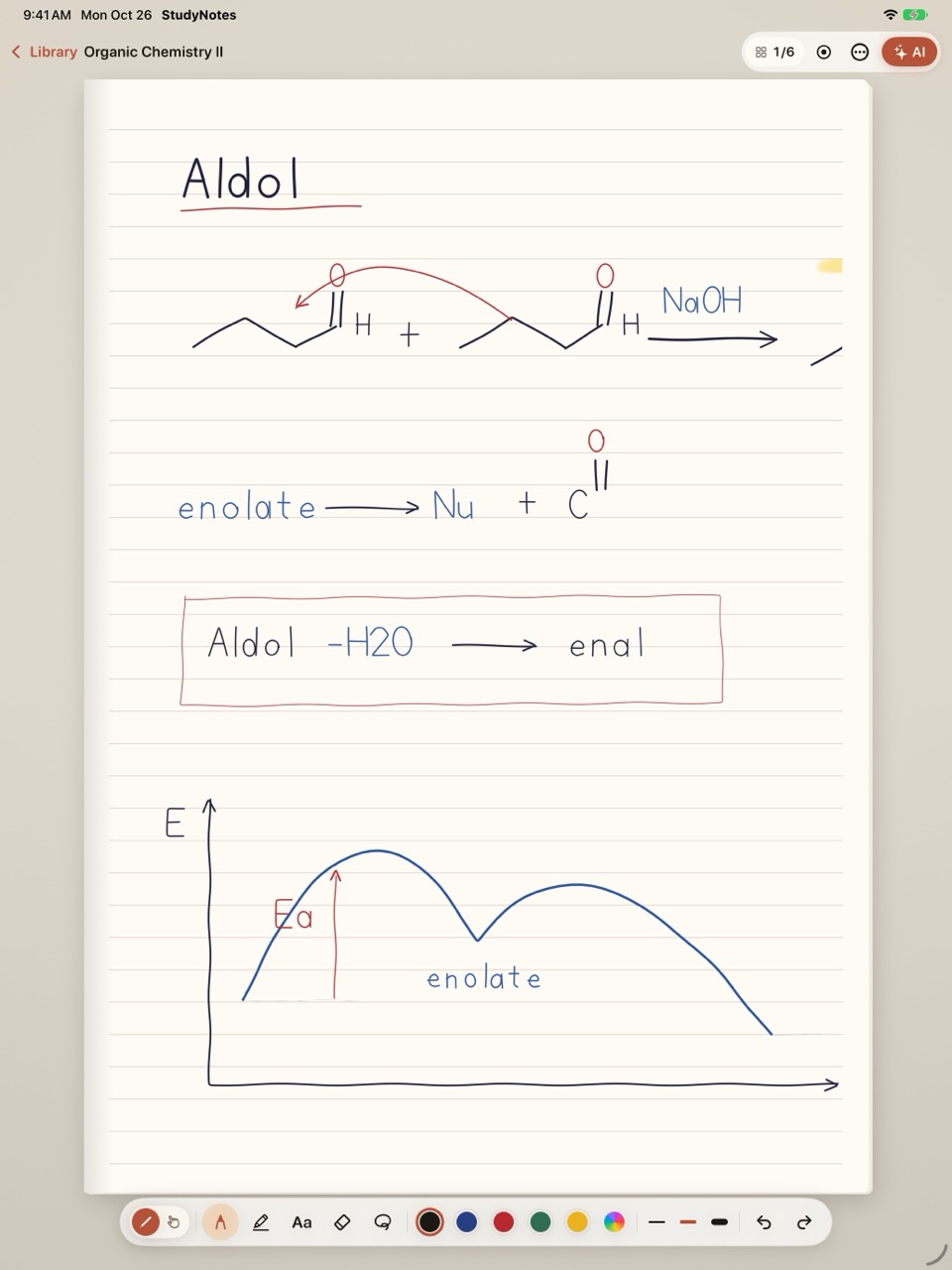
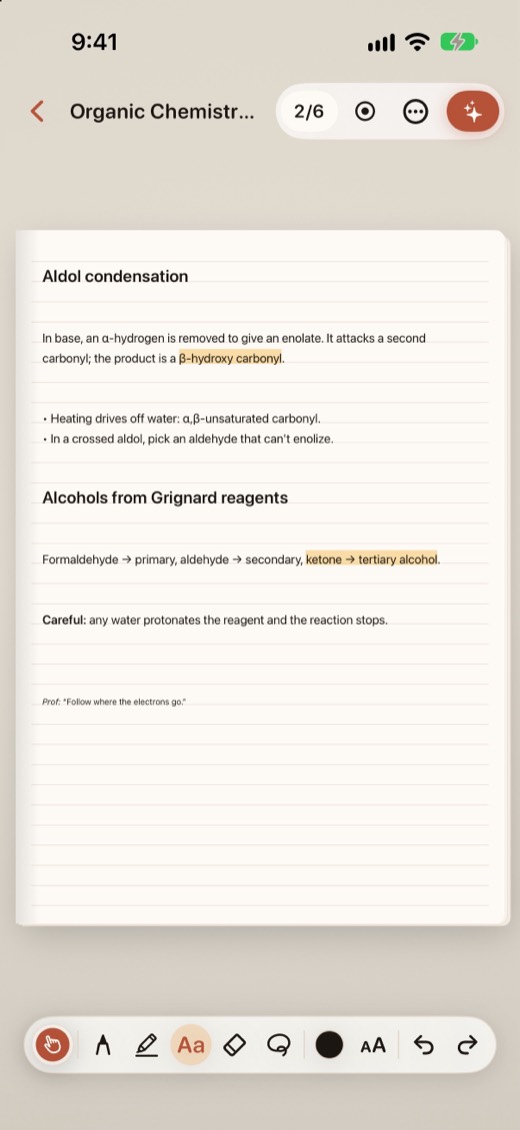
An aldol reaction note handwritten with Apple Pencil on lined paper on iPad, with pen, highlighter, text, eraser and color tools below. A typed text box on a notebook page on iPhone.

Notebook

Write, type, turn the page

No project trees, tabs or files. Your notebooks sit in the library; open one and pick up on the page where you left off.

✎︎

Pencil mode

Apple Pencil writes, your finger turns pages. Pen, highlighter, eraser, lasso and colors; every page has its own undo history.

☝︎

Finger mode

One finger writes, two fingers turn pages, so you get the whole notebook even without a pencil.

Aa

Text boxes

Type anywhere on the page: bold, italic, underline, highlight, bullets and three text sizes. On lined paper the text sits on the lines.

Pages that turn like paper

Pages curl as they turn; on iPad in landscape the notebook lies open with two pages side by side. In the page grid, jump to a page, drag to reorder, duplicate or delete.

▦︎

Paper and size

Blank, lined, grid and dotted paper; A5, B5 and A4 pages. A single page can also have a different paper from the rest of its notebook.

⇩︎

Export as PDF

Share a notebook as PDF any time; text boxes become selectable text in the PDF. A backup of your whole library is available on every plan.
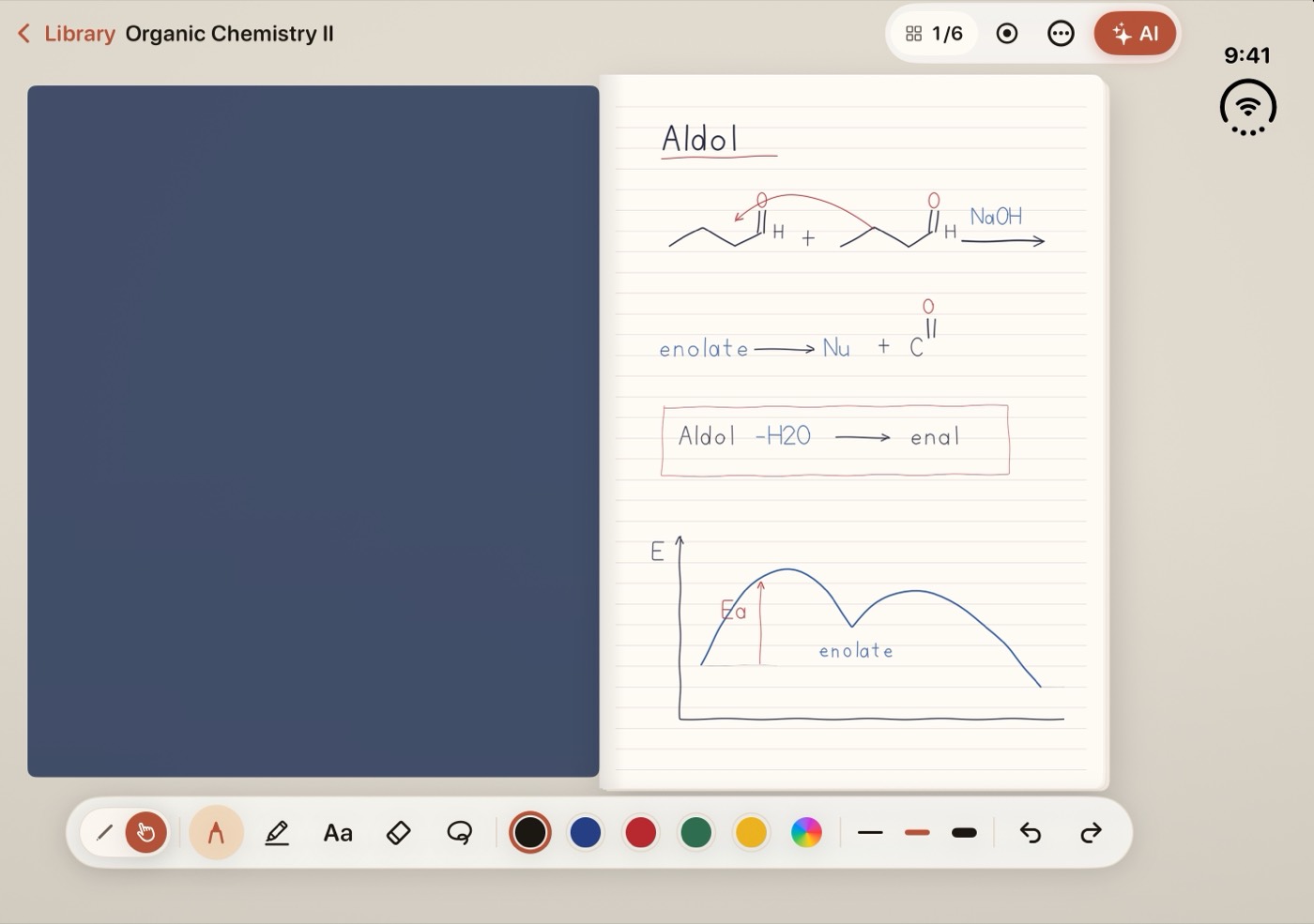
An open iPhone Duo showing a notebook's cover and first page on either side of the fold.

iPhone Duo

The fold becomes the spine

  • Closed, you get a single page on the outer display.
  • Open, two pages sit side by side with the fold as the spine in the middle.
  • Half folded, the page sits on top with tools and keyboard below. Open or close it and your writing stays in place.

Study with Pro

Your notes become study material

AI works only with the text of the page, section or notebook you choose. Every point it makes shows the page you wrote it on; a tap turns the notebook to that page.
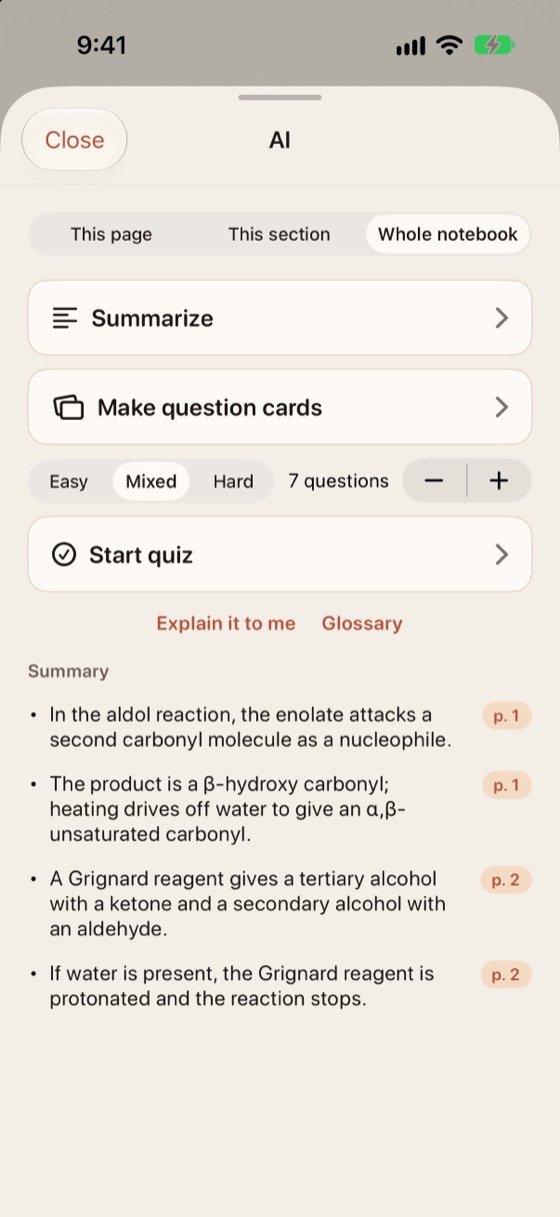
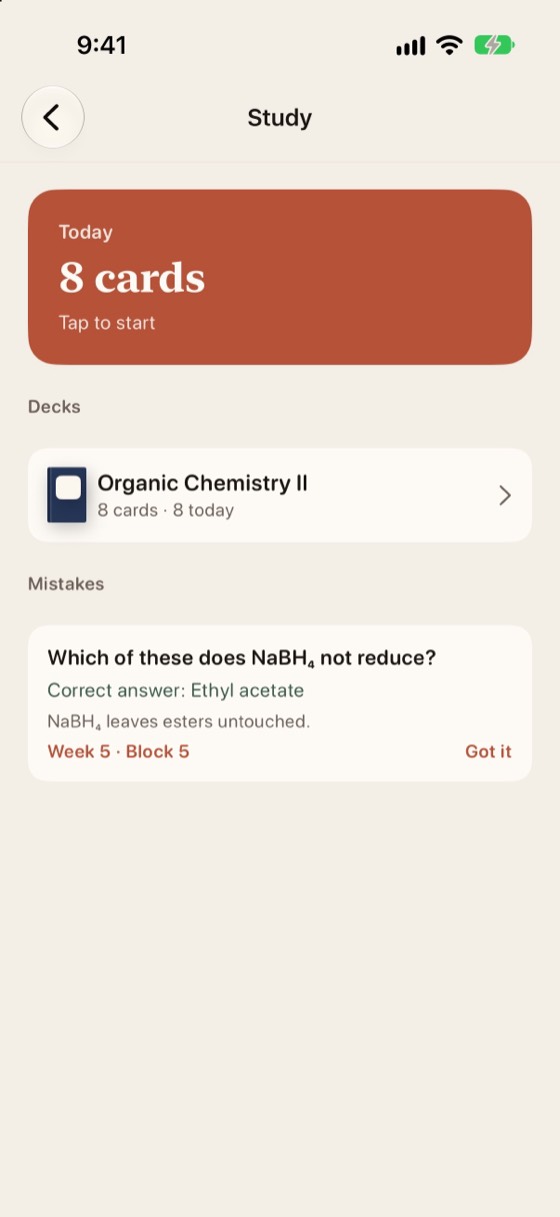
The AI panel: this page, this section and whole notebook options; Summarize, Generate question cards and Start quiz; a page number next to each summary point. The Study screen: cards due today, decks and a mistakes list that collects wrong answers.
  • Summaries that show their page. If the model cannot tie a point to your notes, that point is not shown.
  • Question cards with spaced repetition. Cards you remember move further out, cards you struggle with come back sooner.
  • Quizzes and a mistakes list. Easy, mixed or hard, with instant feedback; what you got wrong is collected in one place.
  • Explain it to me and a glossary. Read the same notes in another form.
  • In the language of your notes. English notes give English questions, Turkish notes give Turkish ones.
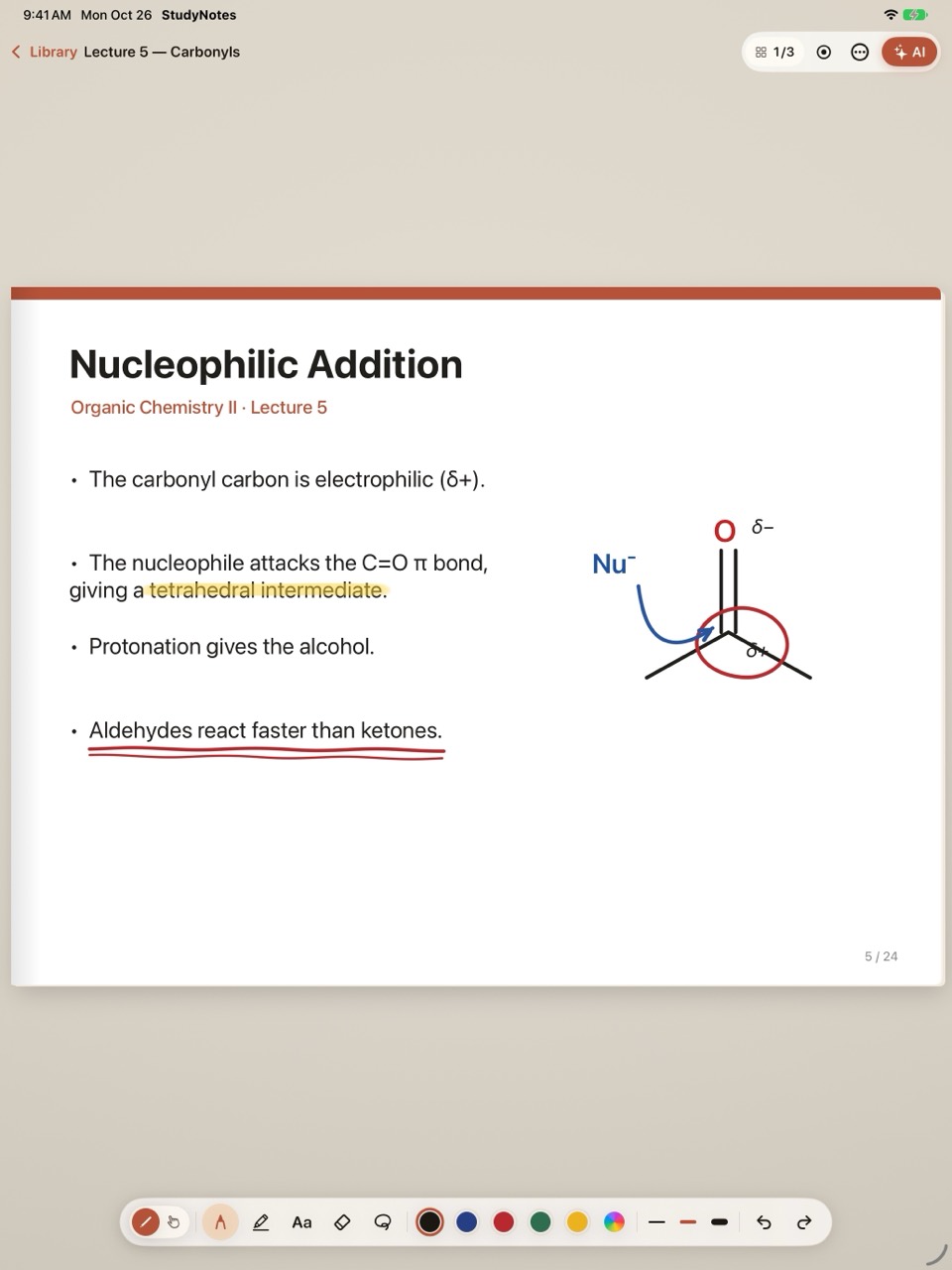
A lecture PDF page on iPad with lines underlined in pen and marked with the highlighter.
  • PDFs as notebooks. Open lecture notes or a book and write on its pages.
  • Unlimited notebooks and pages. Truly unlimited, with no cap.
  • Search your handwriting. Turn handwriting into text and search your notebook; the original drawing stays as it is.
  • Lecture recording. On playback, the notebook turns to the page you were writing on at that moment.
  • Sync and cloud backup. Across iPhone, iPad and iPhone Duo. Conflicting versions are never silently overwritten; you are asked.

Plans

Start free with one notebook

The free plan includes one notebook with ten pages, every writing tool and text boxes. Unlimited notebooks and pages, PDFs as notebooks, AI and lecture recording come with Pro.

Free

₺0
  • 1 notebook with 10 pages
  • Text boxes with Pencil, finger and keyboard
  • Blank, lined, grid and dotted paper
  • Export a notebook as PDF
  • 3 AI trial runs (sign-in required, runs do not renew)

Monthly

₺149.99 / month
  • Unlimited notebooks and pages
  • PDFs as notebooks, search in your handwriting
  • AI summaries, question cards and quizzes; lecture recording
  • Sync and cloud backup across devices

Flexible, cancel any time.

If your subscription ends, none of your notebooks are deleted: you can read and export them all and keep writing in one notebook you choose.

Sign in

An account is optional

You do not need an account to write. Sign in for the AI trial runs and sync; creating an account never deletes the notebooks on your device.

Continue with Apple Continue with Google Continue with Microsoft School email